
BMW diagnostics

BMW Diagnostic Tools – Find the Right Scanner for Your BMW

Compare diagnostic tools for BMW, MINI and Rolls-Royce vehicles. Whether you need basic full-system diagnostics, service functions, bidirectional active tests, coding or a professional workshop platform, the right scanner depends on how advanced your diagnostic needs are.

Quick selection

Which BMW Diagnostic Tool Should You Choose?

Start with how you plan to use the scanner. For dedicated BMW diagnostics, the iCarsoft BMM range offers the clearest path from basic diagnostics to advanced active testing and coding.

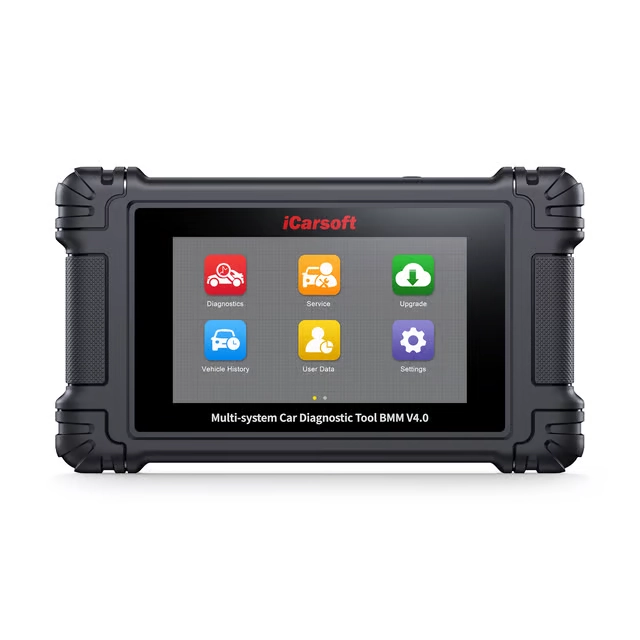
iCarsoft BMM V4.0 BMW diagnostic tool

BMW specialist

iCarsoft BMM V4.0

The most advanced current iCarsoft BMM standalone scanner for BMW Group vehicles. It combines full-system diagnostics, bidirectional active tests, BMW-specific ECU coding, 15 service functions and a 5-inch Android touchscreen.

  • BMW, MINI & Rolls-Royce
  • Full-system diagnostics
  • Bidirectional active tests
  • BMW ECU coding functions
  • Lifetime free Wi-Fi updates
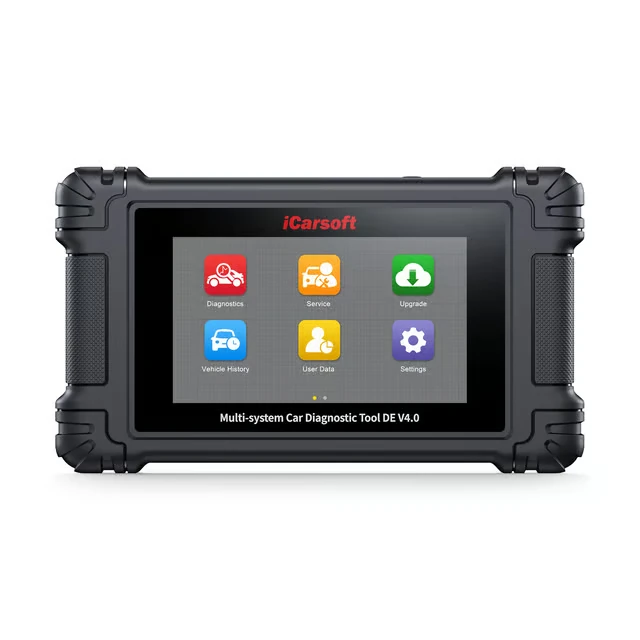
iCarsoft DE V4.0 German car diagnostic tool

Multiple German brands

iCarsoft DE V4.0

Choose DE V4.0 if you work with BMW as well as Mercedes-Benz or Volkswagen Group vehicles. One scanner covers the main German automotive groups.

  • BMW + Mercedes-Benz + VAG groups
  • Full-system diagnostics
  • Full bidirectional active tests
  • 48 service functions
  • BMW & VAG ECU coding
OBDeleven 3 BMW Bluetooth diagnostic tool

Bluetooth & smartphone

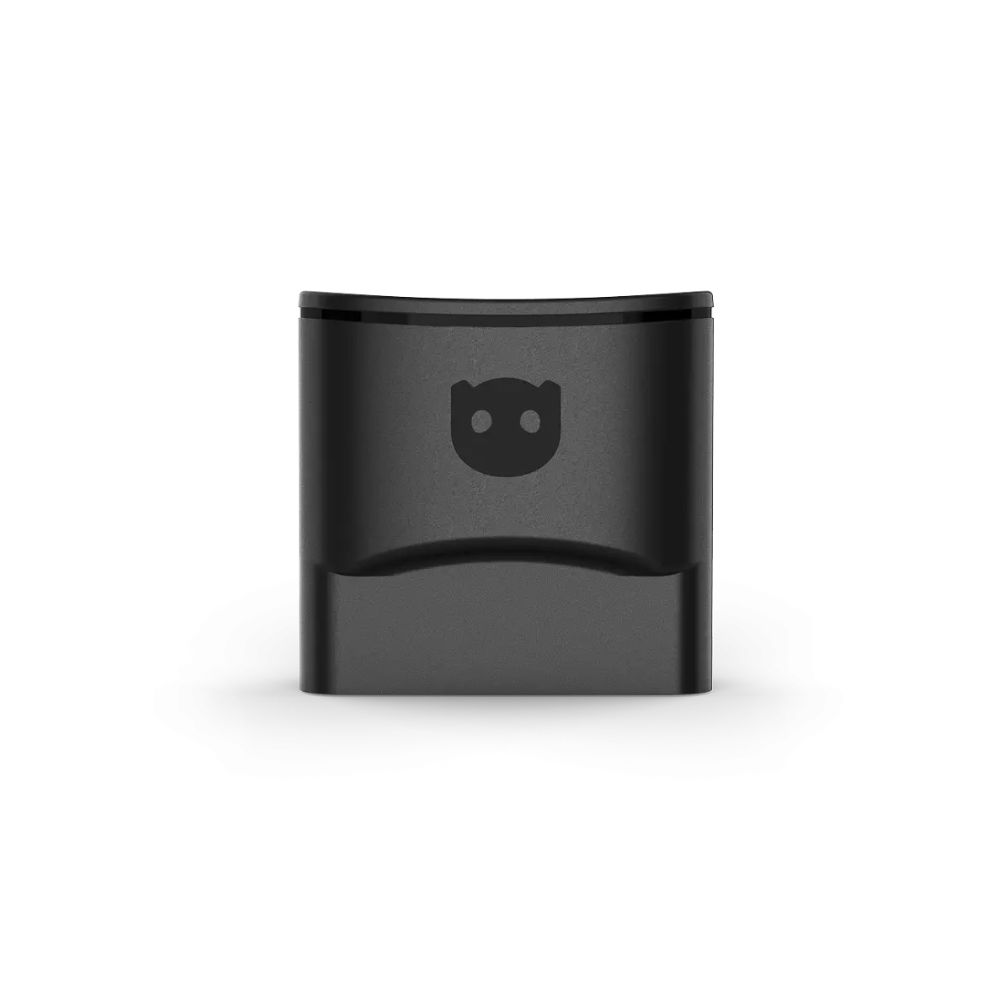
OBDeleven 3

Choose OBDeleven if you prefer a compact Bluetooth scanner controlled from your phone. It supports BMW Group diagnostics and customization functions on supported BMW, MINI and selected Rolls-Royce models.

  • Bluetooth connection
  • BMW Group support
  • Advanced diagnostics
  • One-Click Apps on supported vehicles
  • Works with Android & iOS
Want the simplest answer? Choose an iCarsoft BMM model if BMW is your main vehicle brand. Choose DE V4.0 if you also work with Mercedes-Benz or Volkswagen Group vehicles. Choose OBDeleven if you prefer a compact smartphone-based diagnostic tool.

BMW specialist scanners

Compare iCarsoft BMM V1.0 vs V2.0 vs V3.0 vs V4.0

All four BMM-series scanners are designed for BMW Group vehicles, but the biggest differences are service functions, active testing, coding capability and the newer V4.0 hardware platform.

Feature BMM V1.0 BMM V2.0 BMM V3.0 BMM V4.0
Primary role Basic BMW diagnostics Diagnostics + maintenance Advanced diagnostics Advanced modern standalone
BMW / MINI / Rolls-Royce Yes Yes Yes Yes + 2 additional vehicle groups
Full-system diagnostics Yes Yes Yes Yes
Service functions Basic 9 Expanded 15
Bidirectional / Active Tests No No Yes Yes
BMW ECU coding No No Limited / model dependent Supported on compatible vehicles
CAN-FD Supported Supported Supported Supported
Display 3.5″ 4″ 4″ 5″ touchscreen
Interface Buttons Buttons Buttons Android touchscreen
Updates USB USB USB Wi-Fi
Lifetime free updates Yes Yes Yes Yes
Best suited for Fault diagnostics DIY maintenance Active diagnostics Most complete BMM standalone option

BMM V1.0

Choose V1.0 if you mainly need full-system BMW diagnostics and basic maintenance functions at the lowest entry price.

View BMM V1.0 →

BMM V2.0

Choose V2.0 if you need full-system diagnostics plus 9 common service functions such as EPB, DPF, BMS and injector coding.

View BMM V2.0 →

BMM V3.0

Choose V3.0 when bidirectional active tests and more advanced troubleshooting are important, but you do not need the newer touchscreen platform.

View BMM V3.0 →

BMM V4.0

Choose V4.0 for the most advanced current BMM-series standalone experience with active tests, BMW ECU coding, 15 service functions, Wi-Fi updates and two additional vehicle groups.

View BMM V4.0 →

The biggest functional step is V2.0 → V3.0: this is where bidirectional active testing enters the BMM range. V4.0 then adds the modern Android touchscreen platform, Wi-Fi updates, BMW-specific coding capability and two additional vehicle groups.

Other BMW Diagnostic Options

The iCarsoft BMM range is the most direct choice for a dedicated BMW scanner, but other platforms make more sense in specific situations.

iCarsoft DE V4.0

Best when: you own or work with several German vehicle brands.

DE V4.0 combines BMW, Mercedes-Benz and Volkswagen Group diagnostics in one standalone scanner, with 48 service functions and BMW/VAG ECU coding on supported vehicles.

View iCarsoft DE V4.0 →

OBDeleven 3

Best when: you prefer a compact smartphone-based diagnostic and customization tool.

OBDeleven supports BMW Group vehicles including BMW, MINI and selected Rolls-Royce models. BMW support includes advanced diagnostics and supported customization functions, although coverage varies by model generation and vehicle security.

Compare OBDeleven →

Launch X431

Best when: diagnostics are part of professional workshop work.

Launch X431 platforms provide broad multi-brand workshop diagnostics with full-system access, active tests, coding and service functions on supported BMW vehicles.

Compare Launch X431 →

What Can a BMW Diagnostic Tool Diagnose?

A manufacturer-specific BMW scanner can access far more than the generic engine functions available through a basic OBD2 code reader.

Engine & Transmission

Read and clear faults, view live data and access supported engine and automatic transmission control modules.

ABS & DSC

Diagnose ABS, DSC and related braking or stability systems where supported by the vehicle.

Airbag / SRS

Access supported restraint-system control modules and diagnose airbag-related fault codes.

Body & Comfort Systems

Access supported body modules, climate control, lighting, parking systems, seat electronics and other BMW-specific systems.

Service Functions

Depending on the scanner and vehicle, functions can include oil reset, EPB service, battery registration, DPF regeneration, ABS bleeding and steering-angle calibration.

Active Tests & Coding

BMM V3.0, BMM V4.0 and professional platforms can command supported components during diagnosis. BMM V4.0 also supports selected BMW-specific ECU coding and adaptation functions.

Important: vehicle coverage does not mean every function is available on every BMW. Diagnostic systems, active tests, coding and service procedures vary by model, year, ECU and vehicle configuration.

BMW Scanner Compatibility

Compatibility depends on both the BMW generation and the diagnostic function you need.

BMW Passenger Cars

The iCarsoft BMM range is designed specifically for BMW Group diagnostics and supports major BMW generations including E-, F- and G-series vehicles, subject to exact vehicle and function compatibility.

MINI

BMM-series scanners also support compatible MINI vehicles, with available diagnostic and service functions depending on the model generation and installed control modules.

Rolls-Royce

BMM-series coverage includes supported Rolls-Royce vehicles that share BMW Group diagnostic architecture.

Older BMW Vehicles

Selected older BMW models use the round 20-pin diagnostic connector. These vehicles require a separate iCarsoft BMW 20-pin adapter.

Need one specific function? Always check compatibility for the exact vehicle, model year and control unit before purchasing when functions such as active tests, ECU coding or advanced service procedures are essential.

BMW Diagnostic Tool FAQ

Which iCarsoft scanner is best for BMW?

BMM V1.0 is suitable for basic full-system diagnostics, while BMM V2.0 adds more maintenance functions. BMM V3.0 adds bidirectional active tests, and BMM V4.0 combines advanced diagnostics with BMW ECU coding, a 5-inch Android touchscreen, Wi-Fi updates and two additional vehicle groups.

What is the difference between BMM V3.0 and BMM V4.0?

Both support full-system diagnostics and bidirectional active testing. BMM V4.0 adds a 5-inch Android touchscreen, Wi-Fi software updates, two additional vehicle groups and broader BMW-specific coding functionality.

Can a BMW diagnostic scanner read more than engine fault codes?

Yes. A full-system BMW scanner can access supported control units such as transmission, ABS, DSC, airbag, body electronics, climate control and other systems in addition to the engine ECU.

Can iCarsoft BMM scanners perform active tests?

BMM V3.0 and BMM V4.0 support bidirectional active tests on compatible vehicles and control modules. BMM V1.0 and BMM V2.0 focus primarily on diagnostics and service functions.

Should I choose BMM V4.0 or DE V4.0?

Choose BMM V4.0 if BMW Group is your main vehicle family. Choose DE V4.0 if you also need diagnostics for Mercedes-Benz or Volkswagen Group vehicles and want all major German groups covered by one device.

Is OBDeleven suitable for BMW?

Yes. OBDeleven supports BMW Group vehicles including BMW, MINI and selected Rolls-Royce models. BMW support includes advanced diagnostics and supported customization functions, but exact feature availability depends on the vehicle generation and security architecture.

Do older BMW vehicles need an adapter?

Some older BMW models use the round 20-pin diagnostic connector and require a separate BMW 20-pin adapter.

Choose the BMW Diagnostic Level You Actually Need

For dedicated BMW diagnostics, start with the iCarsoft BMM range. Move to DE V4.0 if you need several German vehicle groups, OBDeleven if you prefer smartphone-based diagnostics, or Launch X431 for professional multi-brand workshop use.

Hit enter to search or ESC to close